A Tour of the CRM Portal

The CRM Portal is the control center for your platform, where you will handle the initial setup and ongoing management of your products, users, and automated processes. This guide will walk you through the features and functionalities available to you.

Navigation Menu

Let's explore the tools you'll use to manage your operations. The main navigation menu on the left side of your screen is your gateway to all of the portal's CRM features.
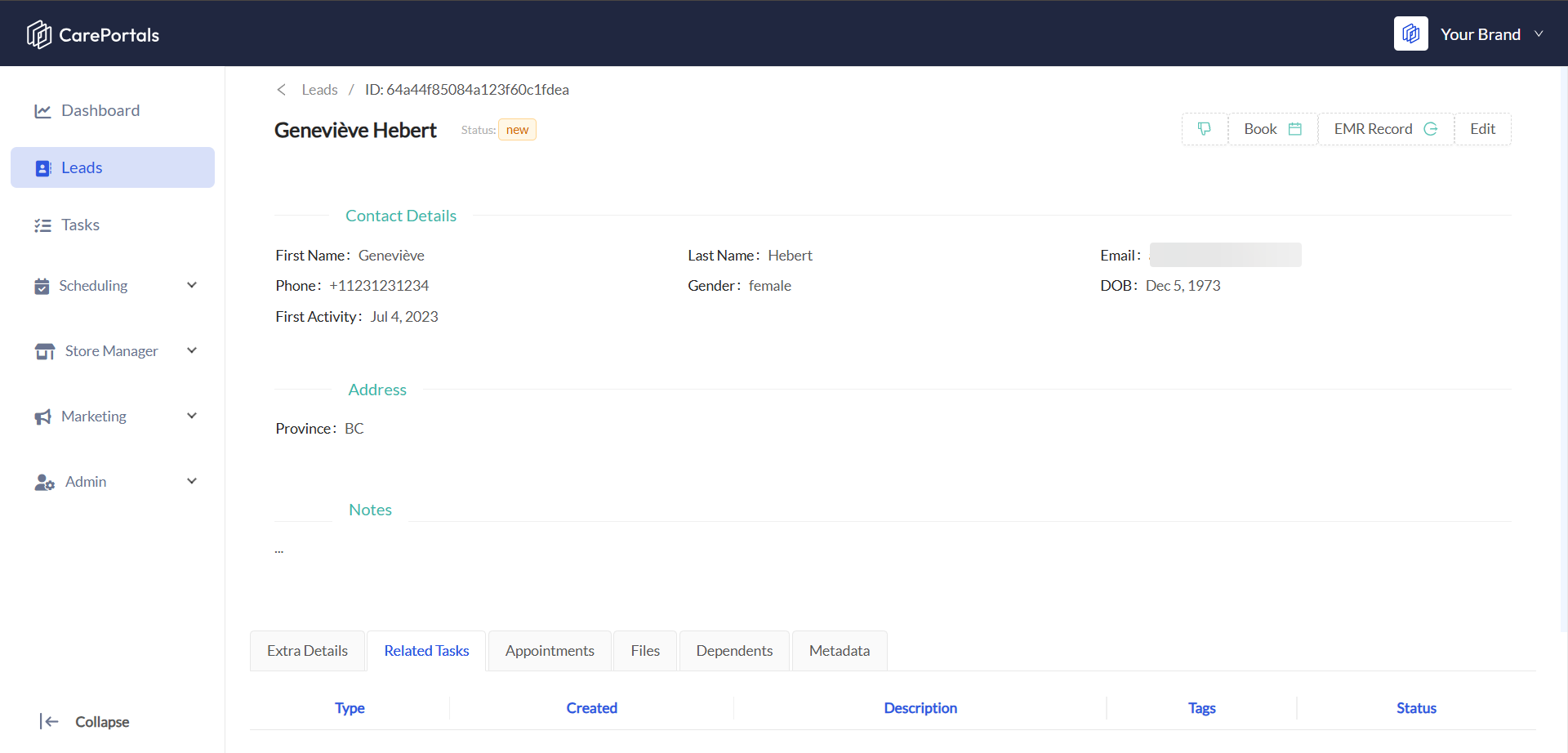
Menu Item

Description

Dashboard

Your main landing page with an overview of all order statistics and key metrics.

Leads

Manage potential customers and track their journey from prospect to client.

Tasks

Used for creating, tracking, and managing internal team tasks to ensure all necessary actions are completed.

Scheduling

A calendar and booking tool to manage appointments, meetings, and schedules.

Store Manager

Your e-commerce hub. Manage Products, set up Categories, create Coupons, and run Promotions.

Marketing

Tools to manage marketing campaigns, email templates, and customer communication.

Admin

The back-end control panel for system administrators. Find here powerful tools for managing your platform. They include: Workflows, Forms, Users, and global Settings.

The navigation menu is customizable and role-based. Your assigned role (e.g., Administrator, Developer, Marketing personnel) determines which items you can see and access.

The Dashboard

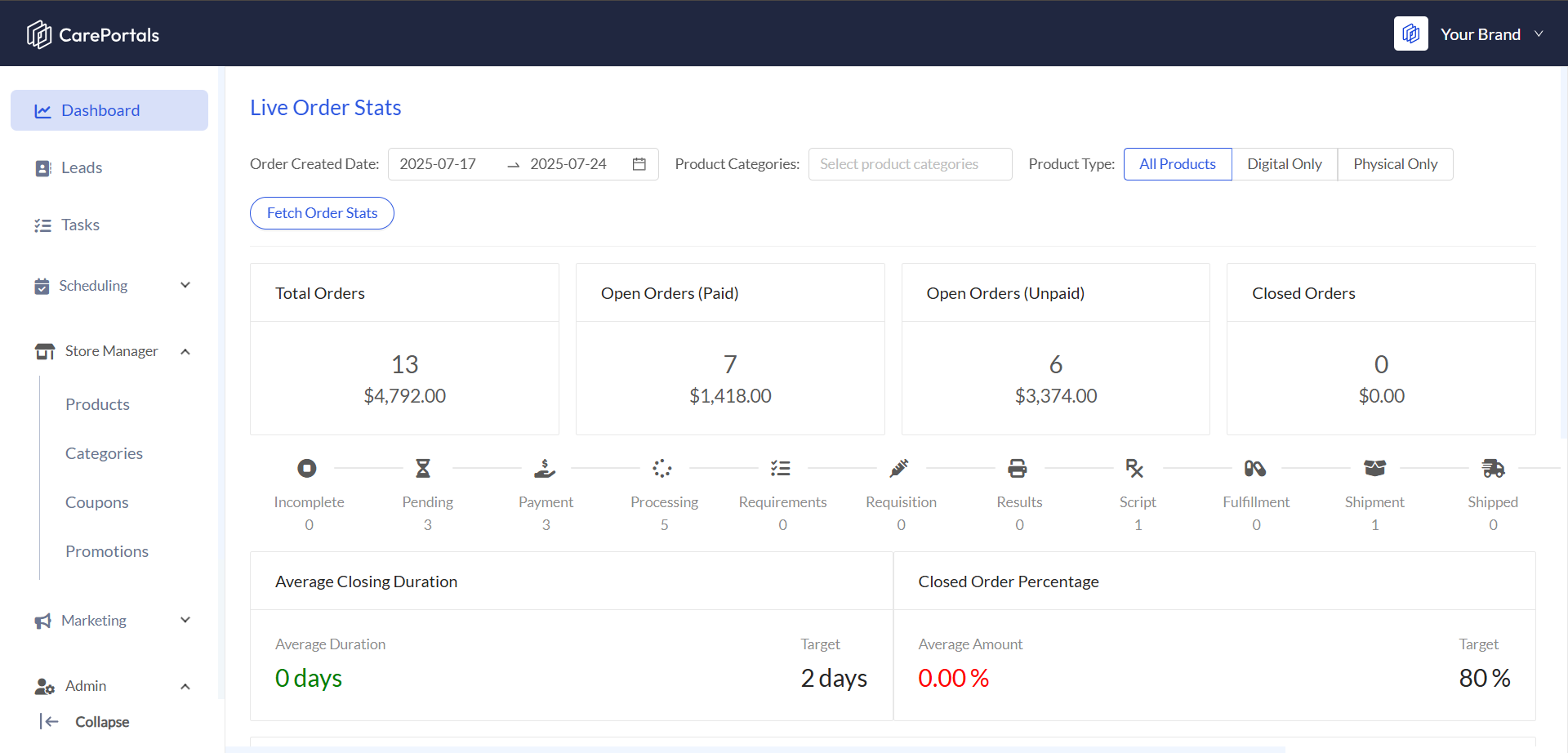
The dashboard is designed to give you a real-time, high-level overview of your entire order ecosystem. It provides instant insights into sales performance, operational workload, and potential bottlenecks, allowing you to make informed decisions quickly.

Here is a summary of the dashboard's features:
Feature

Description

High-Level KPI Cards

Four cards at the top summarizing Total Orders, Open Orders (Paid), Open Orders (Unpaid), and Closed Orders to provide a quick overview of sales health.

The Order Workflow Pipeline

A visual tool that shows the real-time status of all open orders, helping to spot bottlenecks and track progress through the fulfillment stages.

Performance & Goal Tracking

Gauges that measure the team's efficiency, including the average time it takes to close an order and the percentage of successfully closed orders, both compared against set targets.

Powerful Data Filtering

Allows for detailed analysis by enabling users to filter data by order creation date, product categories, and specific product types.

To gain a deeper understanding of the Dashboards features, you can check the Dashboard Overview article.

Store Manager

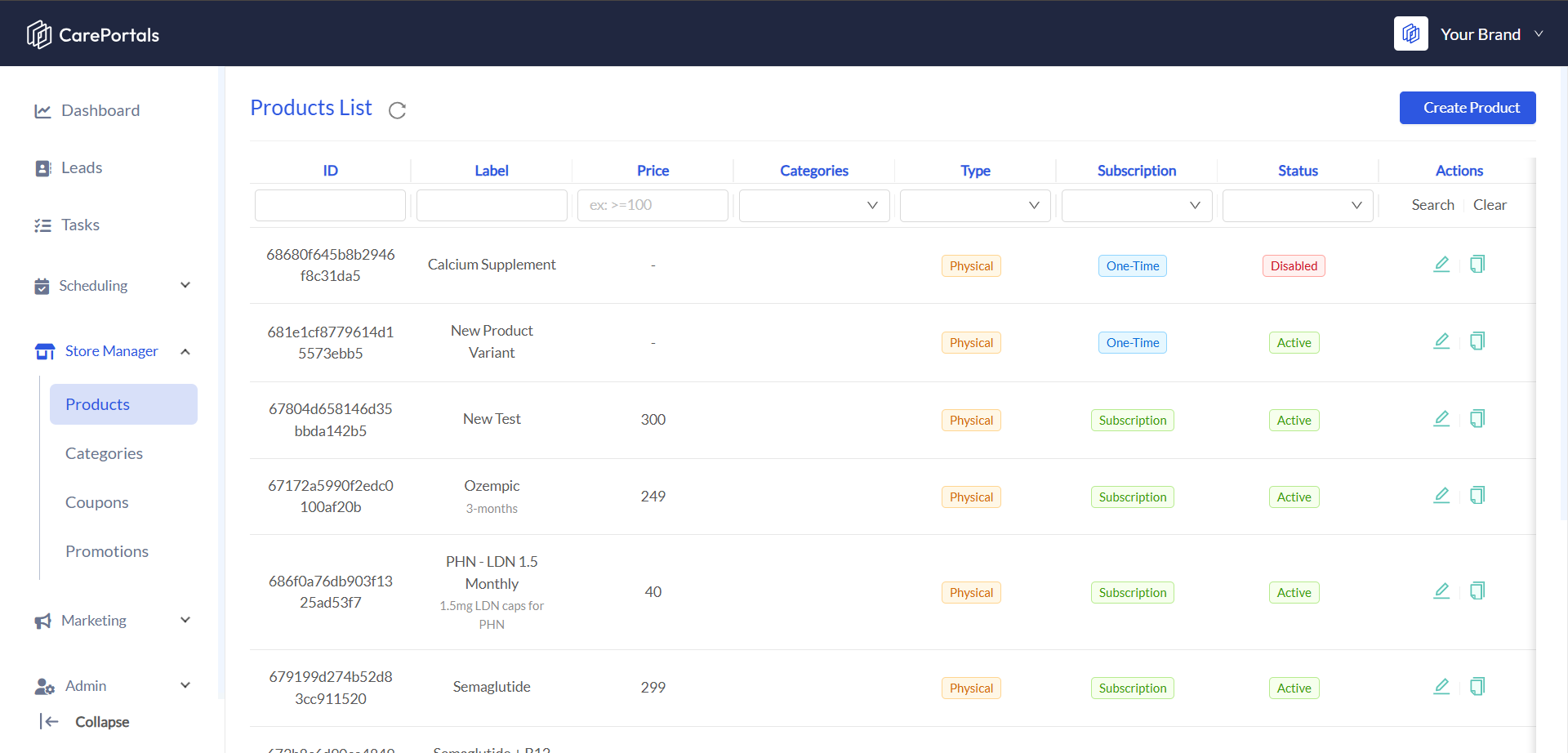
The Store Manager lets you manage key parts of your e-commerce setup. Add new products, organize them into categories, offer discounts with coupons, and run promotions to boost sales. It’s where you set up and manage your brand’s storefront.
Feature

Purpose

Products

Build your product catalog, defining details for one-time and subscription-based items.

Categories

Organize your products into groups for easier filtering and navigation.

Coupons

Create and manage discount codes that patients can apply at checkout.

Promotions

Set up special offers and sales for your products.

Marketing

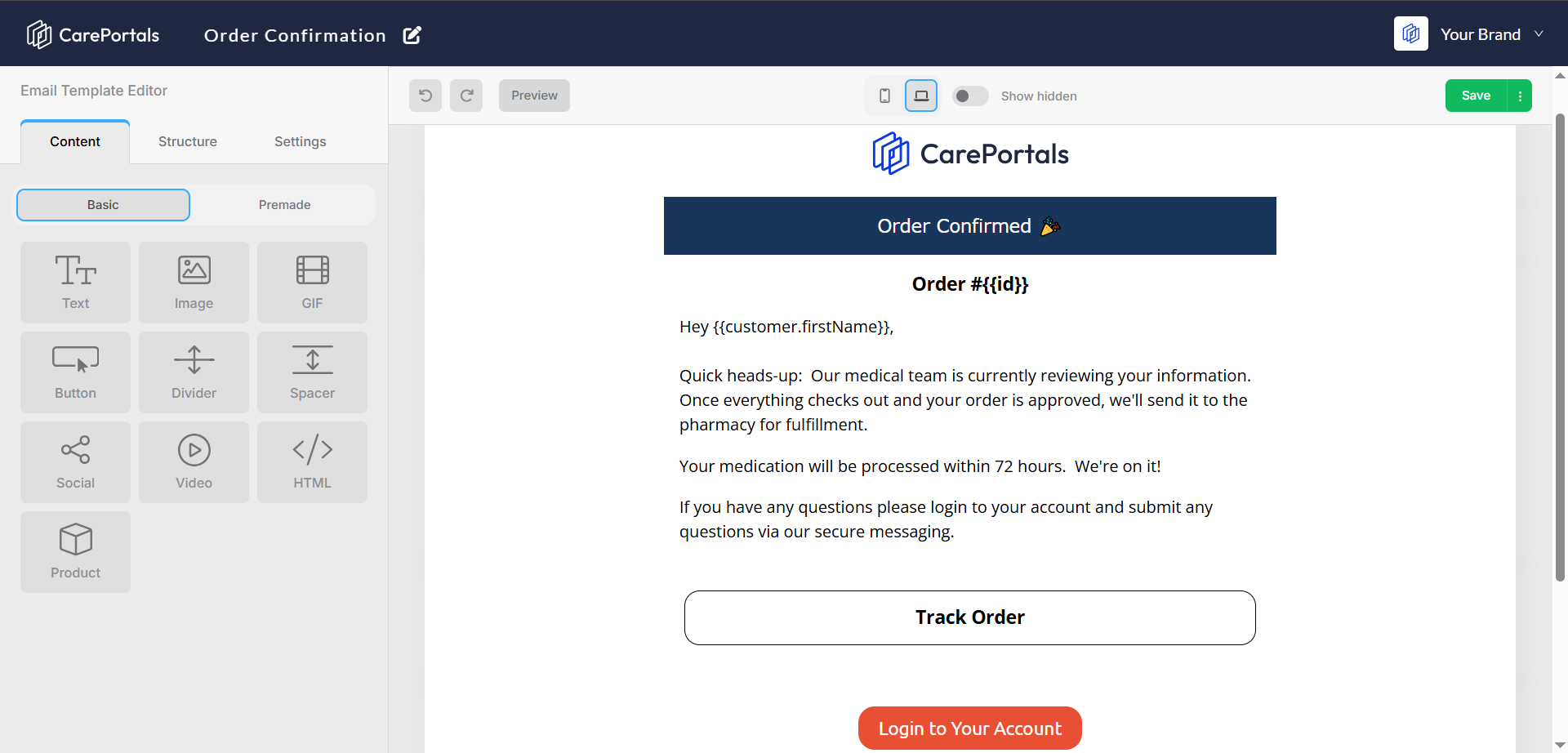
CarePortals offers built-in marketing tools to help you create, schedule, and manage targeted communications for your patients and leads. Key features include audience segmentation, customizable email templates, and campaign management tools.

You can design and automate outreach to drive engagement, promote products or services, and convert leads more effectively.
Tool

Purpose

Segments

Group your patients and leads into lists based on specific criteria, such as location or purchase history, for targeted campaigns.

Campaigns

Create and send email campaigns to specific segments with tailored messages. Ideal for promotions, product announcements, or re-engagement efforts.

Templates

Design and manage reusable email templates for your campaigns and automated communications. Use templates in both Workflows and Campaigns.

Scheduling

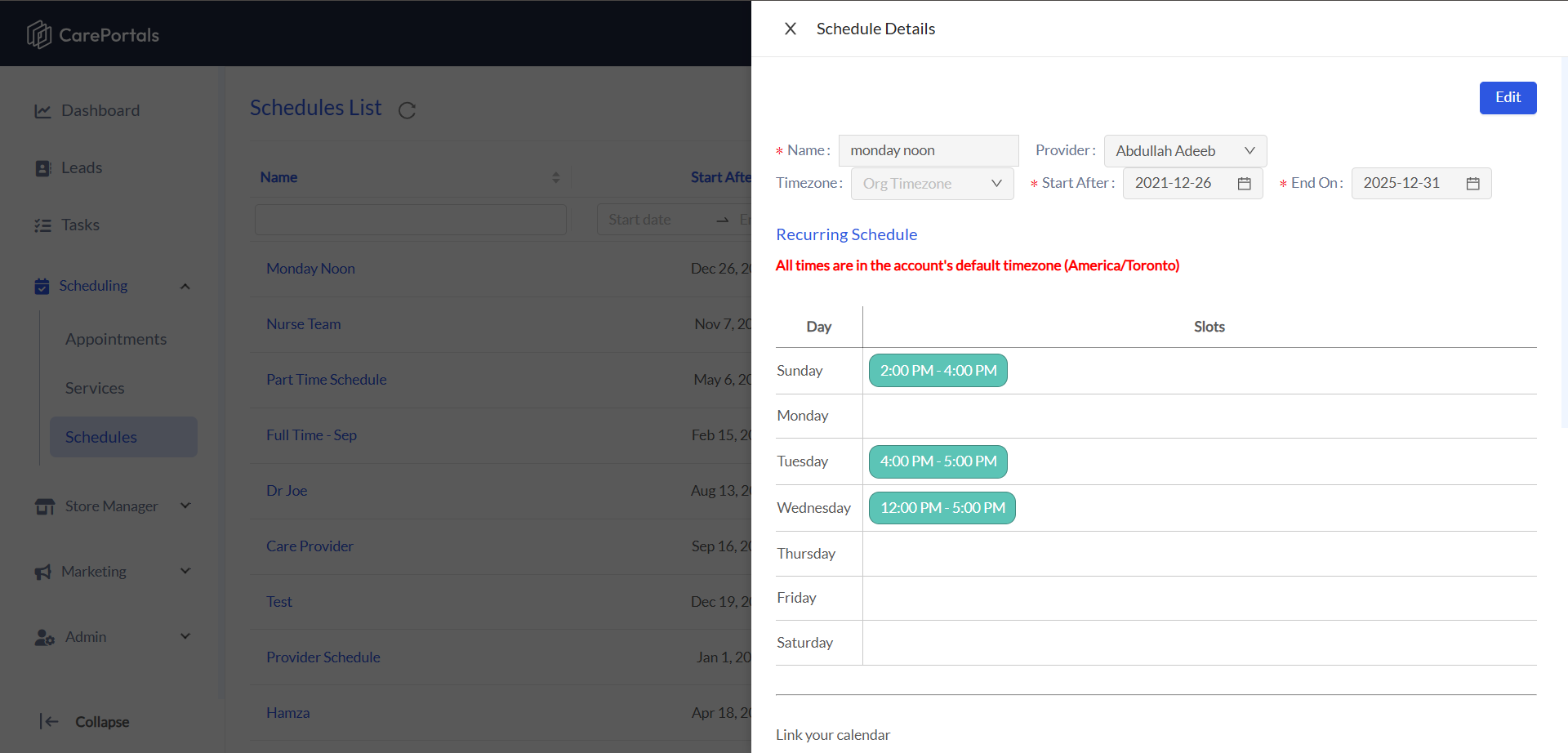
The Scheduling module is a complete booking system that allows you to manage provider availability, define appointment types, and oversee all scheduled consultations.
Tool

Purpose

Appointments

View and manage all scheduled appointments in a calendar or list layout.

Services

Define the different types of appointments you offer, including their duration, scheduling, forms, and any other specific rules.

Schedules

Create and manage provider availability by setting up recurring weekly schedules or specific one-off time slots.

Admin Manager

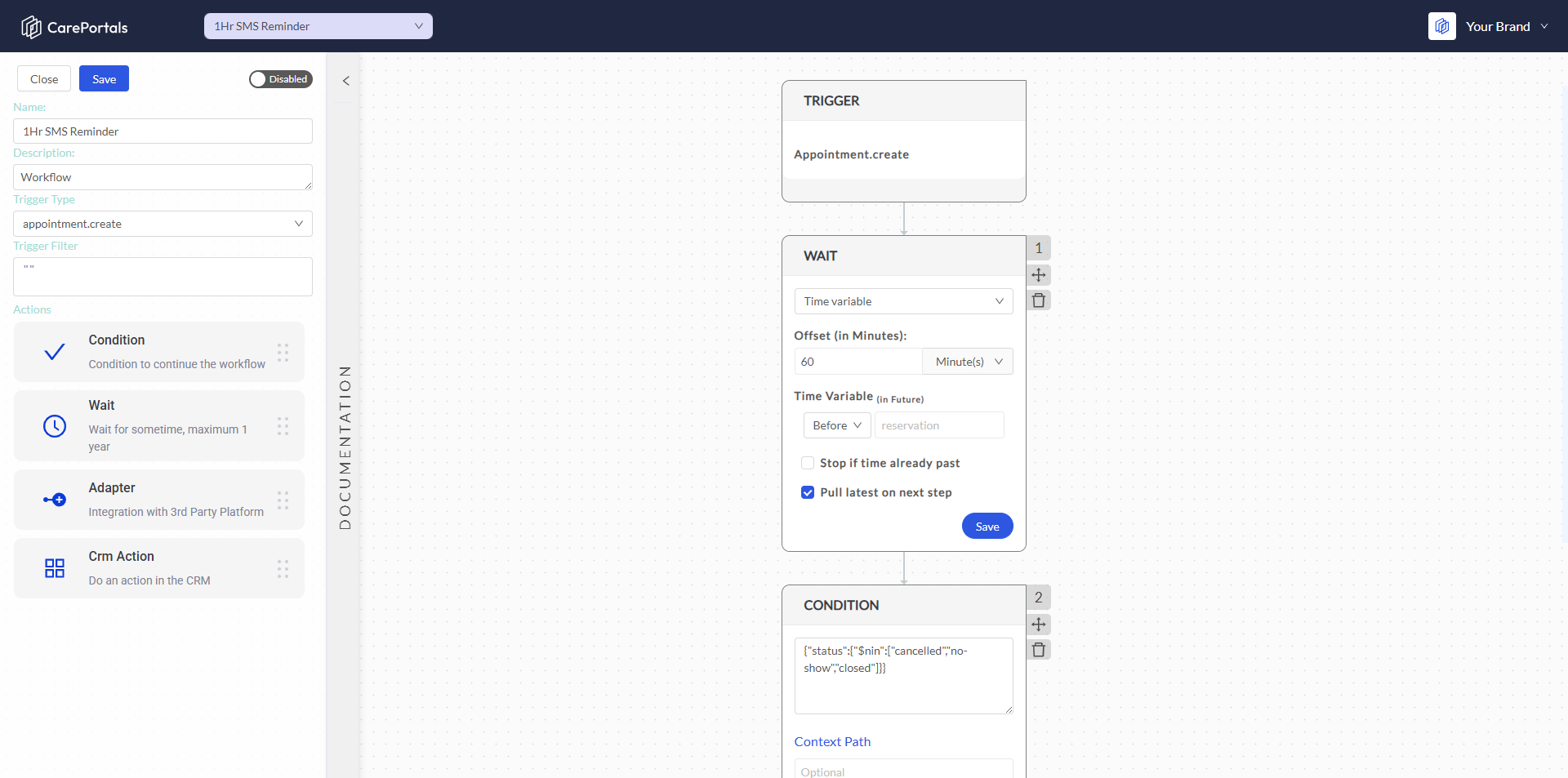
Within the Admin panel, you can find these tools for platform-wide configuration:
Tool

Purpose

Users

Manage your team's access to the CarePortals platform and assign user roles.

Forms

Build and customize booking forms using our HIPAA-compliant form builder to collect necessary medical/personal information.

Workflows

Build automations to streamline clinical and operational workflows, and integrate seamlessly with 3rd-party platforms—no coding required!

Settings

Configure global settings for your portals.

Next Steps

If you are looking to learn how to execute specific tasks or understand the workflow engine, check the following guides: