Intake Forms vs. CRM Web Forms
The term ‘form’ is generally used for different methods of collecting information, including booking and intake. However, to provide clarity within our system, we make a specific distinction between two tools:
Questionnaires on the EMR, and
Forms in the CRM.
Understanding the difference between them will help you know which one to refer to and when to use it.
Questionnaires (EMR)
Questionnaires, also known as Async Consultations, are handled on the EMR portal. Their specific purpose is to gather medical information from patients. This information is considered Protected Health Information (PHI).
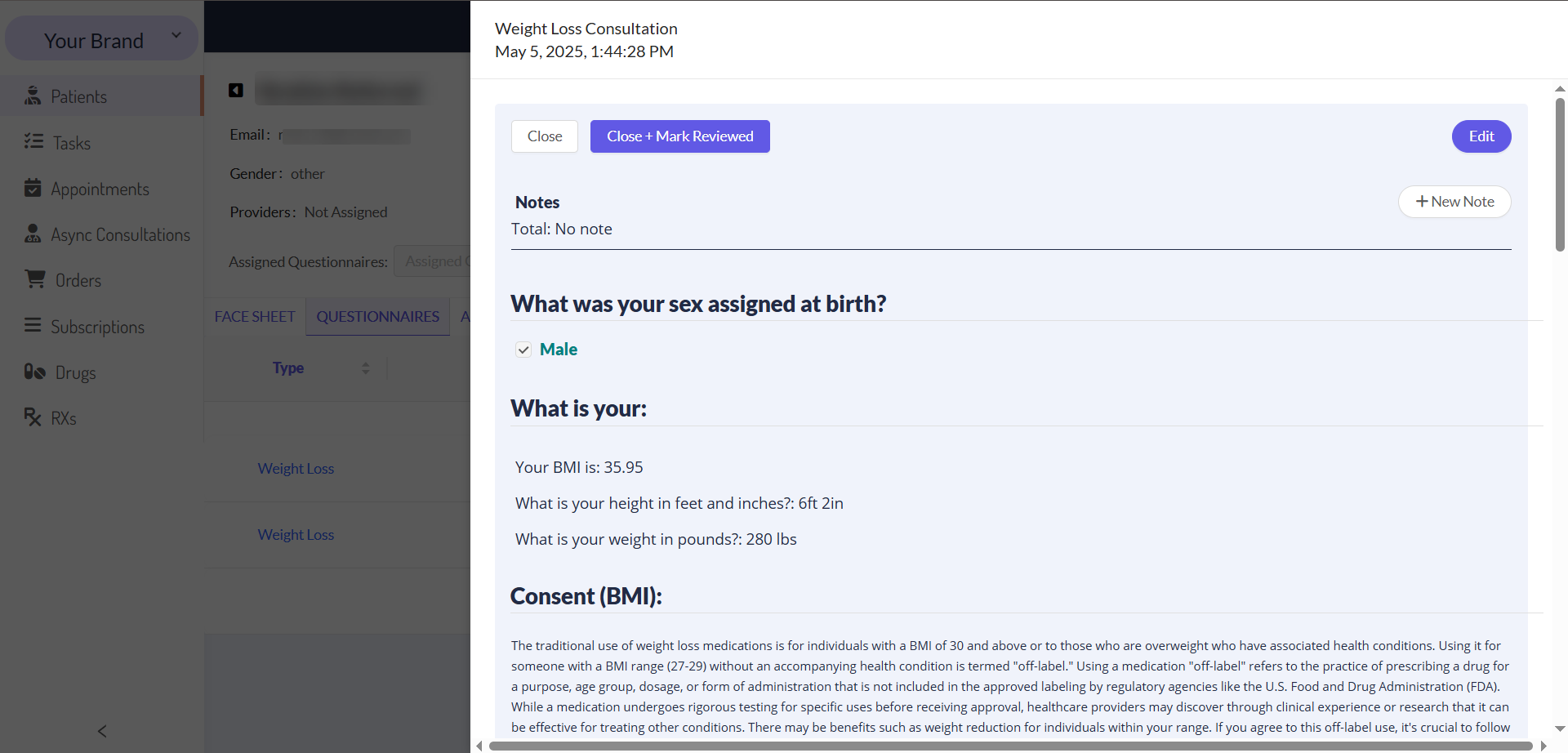
The table below summarizes the key aspects of Questionnaires.
We are working on a new feature that will allow you to build medical intake forms (questionnaires) from the user interface in the future. We will let you know when this tool is available.
Forms (CRM)
Forms are created and managed within the CRM. Their main use is for Booking, but they also have the flexibility to be used as standalone web forms for other data collection needs.
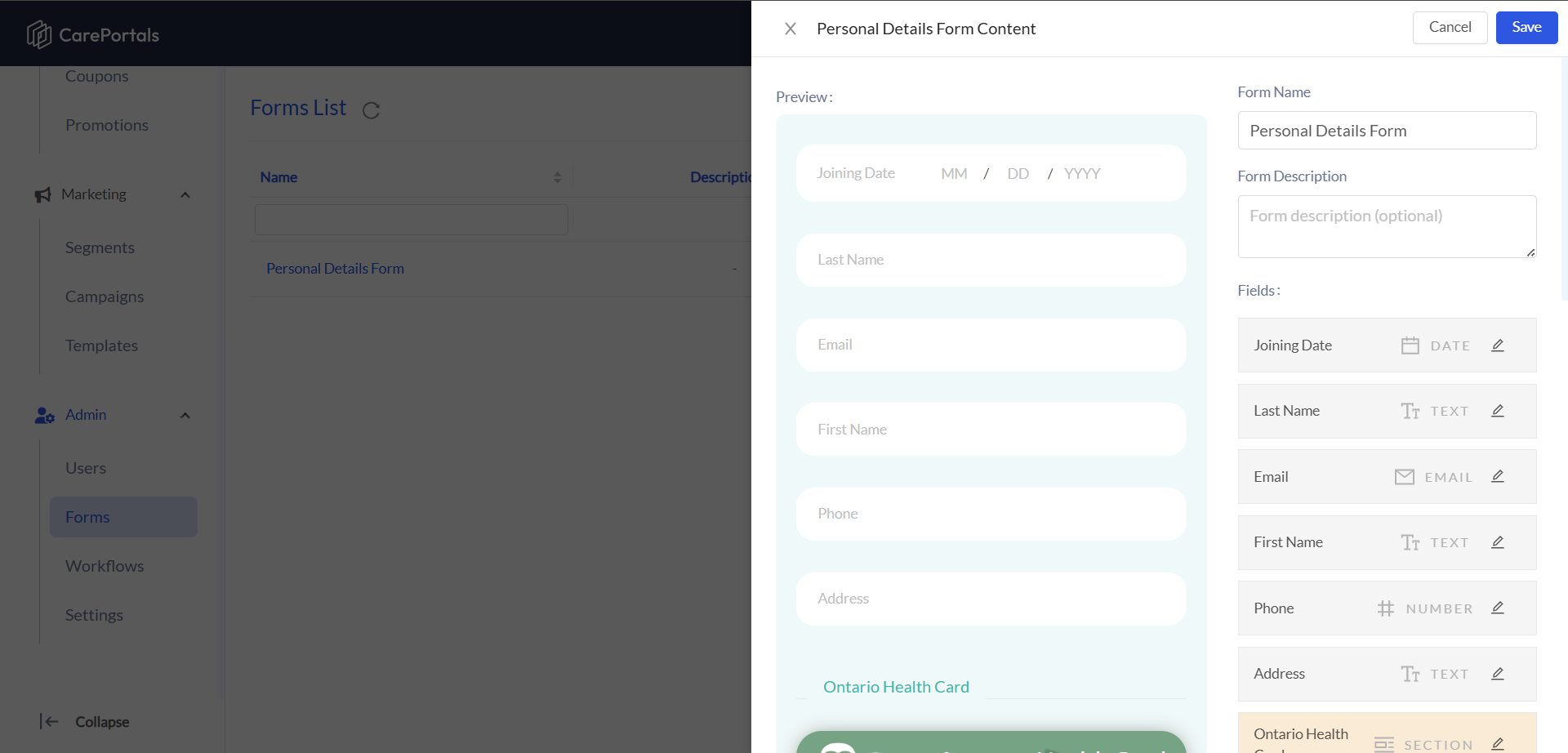
Here is a summary of the key features of CRM Forms.
Quick Comparison
Here is a simple table to help you see the key differences at a glance:
Next Steps
Now that you can distinguish between the two types of forms, these guides will help you put that knowledge into practice:
How to Configure a CRM Web Form: Learn how to use the CRM form builder.
How to Create a Product (One-Time and Subscription): Learn the step-by-step process for adding new products and assigning requirements like Medical Intake Forms.
The Workflow Automation Engine (Explanation): Get an overview of how to automate actions that can be triggered by events like a product purchase or a CRM Form submission.
Was this helpful?
Still need help? Ask the team