A Tour of the EMR Portal
The EMR Portal is where you will manage all day-to-day patient interactions and order fulfillment. The main navigation menu on the left provides access to the following:
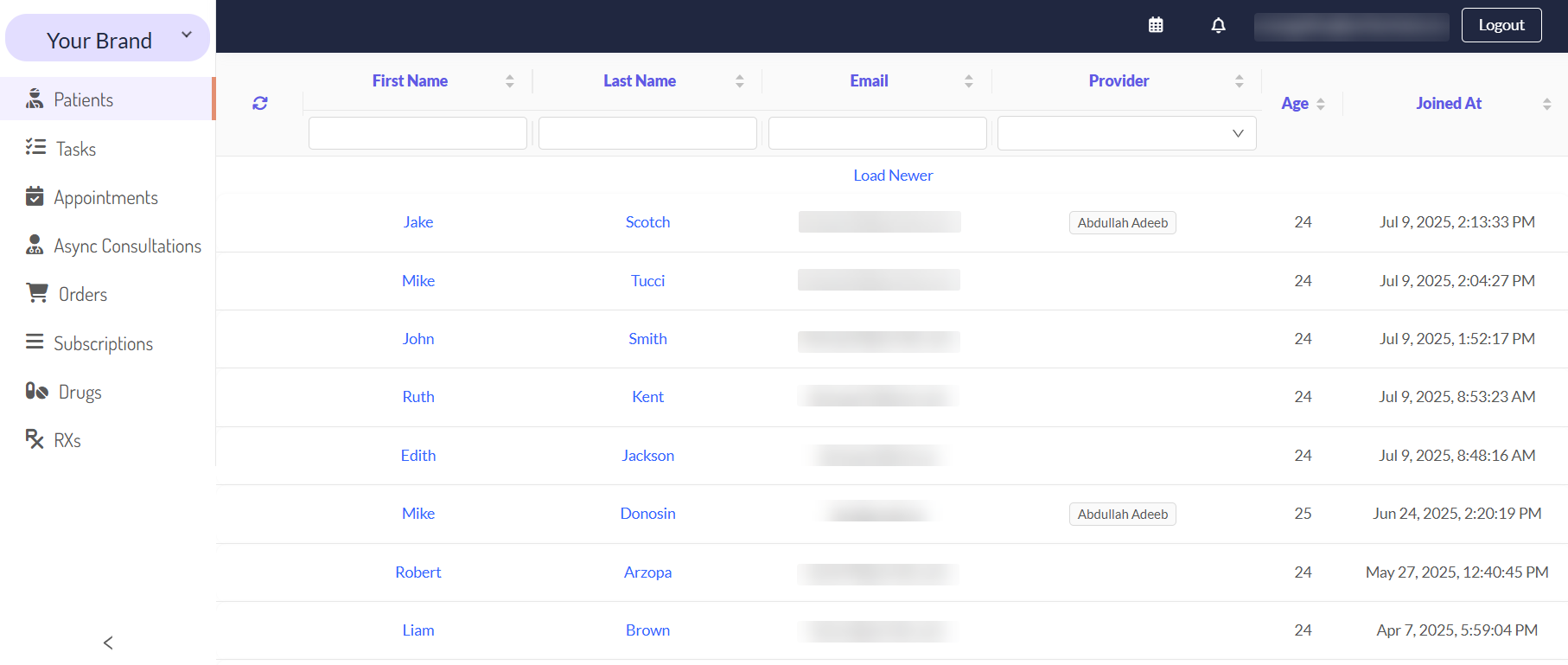
Please be aware that the navigation menu is customizable and role-based. Your assigned role (e.g., Administrator, User, Manager) determines which items you can see and access.
Next Steps
Now that you are familiar with CarePortals EMR, use these guides to learn more about their details.
If you are looking to learn about executing specific tasks, you can check the following guides:
Manage an Order from Start to Finish: Learn how to conduct the complete lifecycle of a patient order from the initial payment to the final shipment.
The Patient & Order Journey on CarePortals: Get a high-level overview of the entire order lifecycle, from initial purchase to final shipment.
Was this helpful?
Still need help? Ask the team