Understanding Promotions and Coupons
In the Store Manager of your CRM Portal, you have two tools to offer discounts to your patients: Coupons and Promotions. While both help you create special offers, they work in different ways and are designed for different use cases.
This guide will explain their key differences so you can choose the best option for your goals.
What Are Coupons?
Coupons are discount codes that patients must manually enter at checkout to receive a discount. Think of them as a classic discount code that you might share in an email, on a social media post, or directly with a specific patient.
Because the patient has to actively use the code, coupons are excellent for tracking the success of specific marketing efforts.
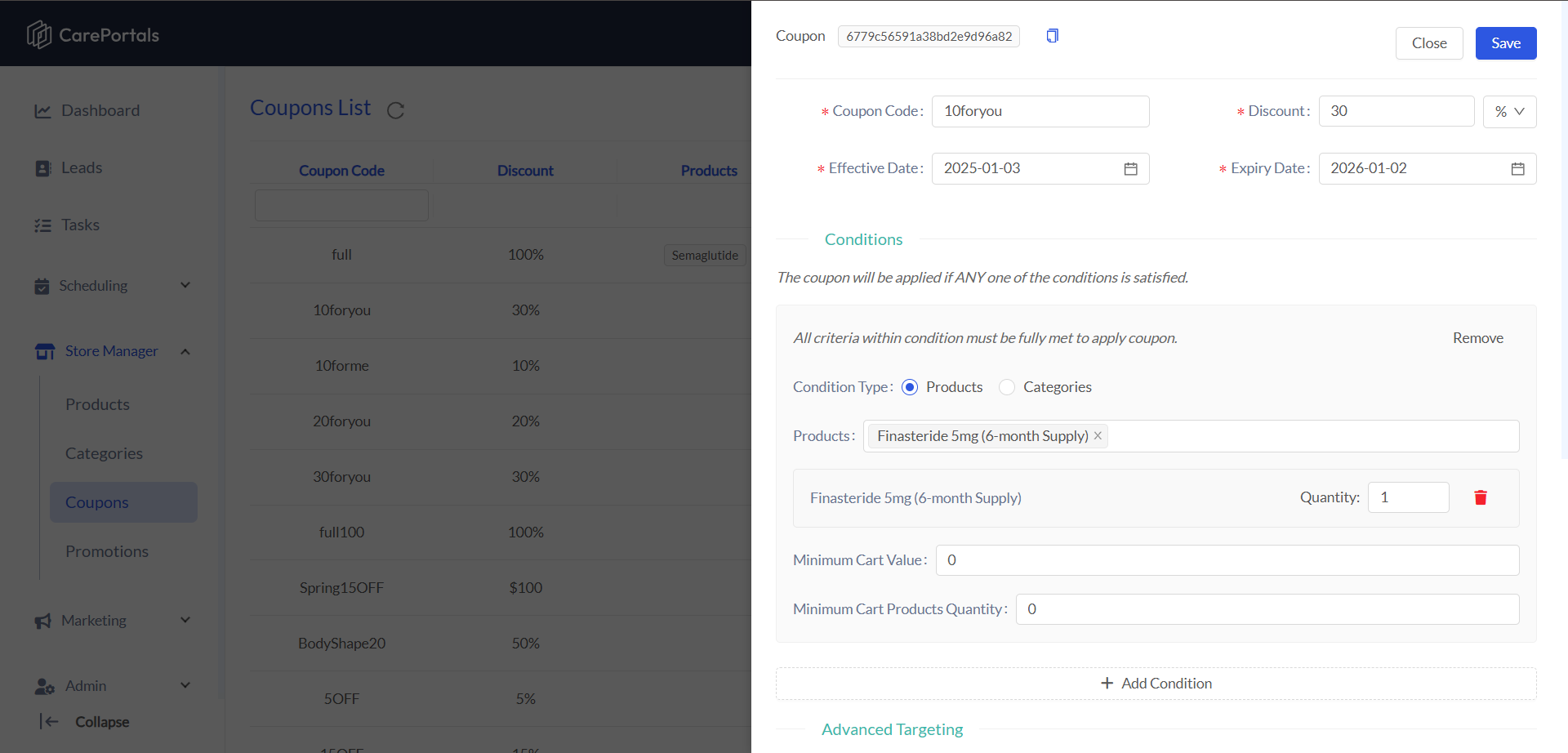
When you create a coupon, you have the option to add specific Conditions that must be met for the discount to apply. This creates a two-step process for the patient:
They must manually enter the correct coupon code at checkout.
Their cart must meet the conditions you set, if any. For example, a coupon can be set to only work if the cart contains a specific product.
This dual requirement makes coupons ideal for:
Creating targeted marketing campaigns.
Giving an exclusive code to a selected group of customers.
Restricting the use of a discount to particular products, ensuring it is applied exactly as intended.
What Are Promotions?
Promotions apply a discount automatically when a patient's cart meets conditions that you define. The patient does not need to enter a code. If the rules are met, the discount is automatically applied to their cart. This creates a seamless experience for broad, store-wide sales events.
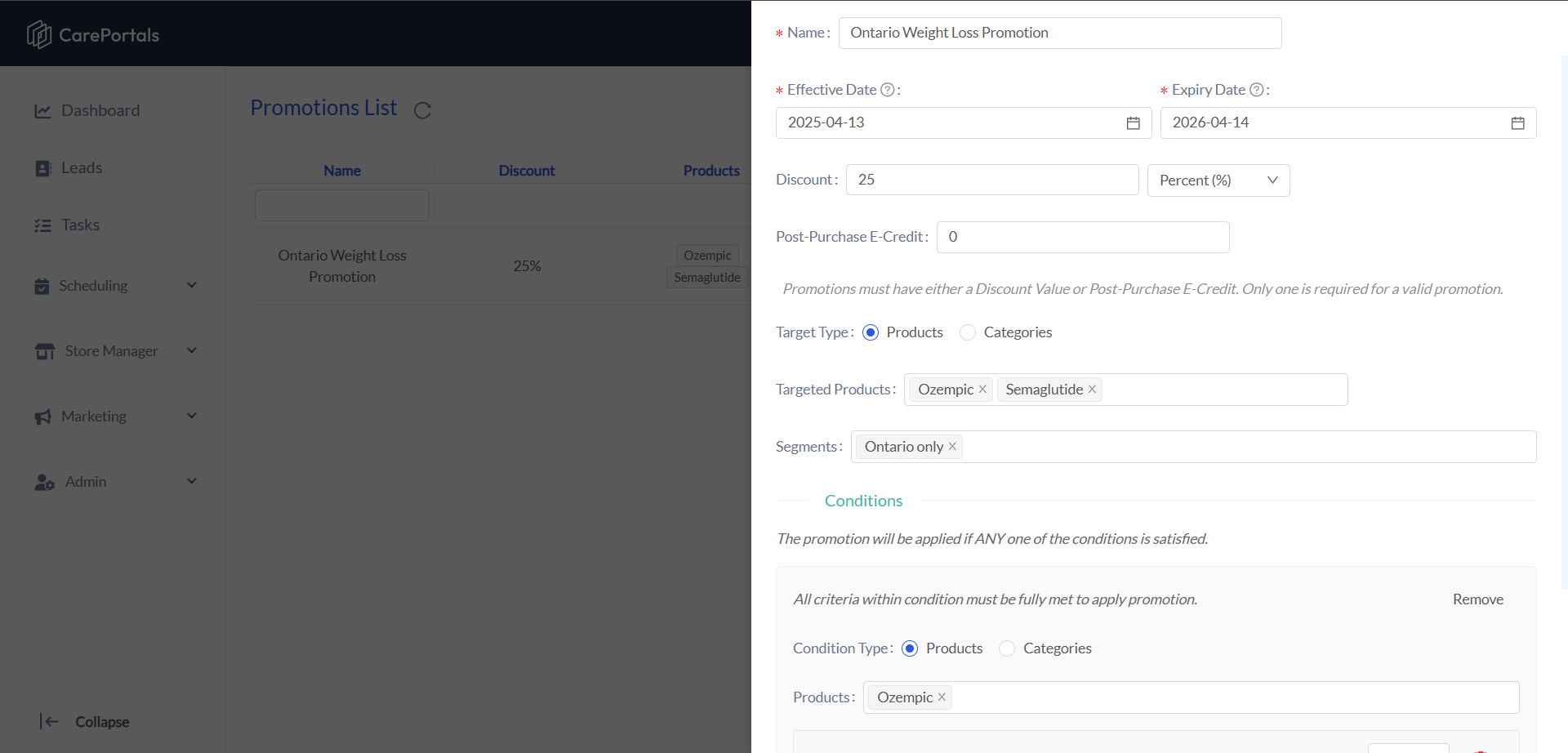
Promotions are ideal for:
Store-wide sales, such as "10% off all orders over $50."
Automatically discounting a specific product or category.
Key Differences at a Glance
The table below provides a simple comparison to help you decide which tool to use.
In short, choose Coupons when you want patients to use a specific code to get a discount. Choose Promotions when you want a discount to apply automatically for every patient who meets the criteria you set.
Next Steps
To get a deeper understanding of each tool and get the most out of your CRM platform, you may explore the following guides:
How to Create a Coupon: Learn how to design tailored discounts that support your marketing goals using conditions, usage limits, and advanced targeting.
How to Create a Promotion: Set up promotions that bundle products, apply automatic discounts, and drive customer engagement at scale.
Create a Product: Learn to add new products, define attributes, and manage availability in your catalog with step-by-step instructions.
Dashboard Overview: Explore the CRM dashboard, review key metrics, and learn navigation tips to effectively monitor performance.
Was this helpful?
Still need help? Ask the team